
How to Download and Install Parimatch App on iPhone (iOS 13+)
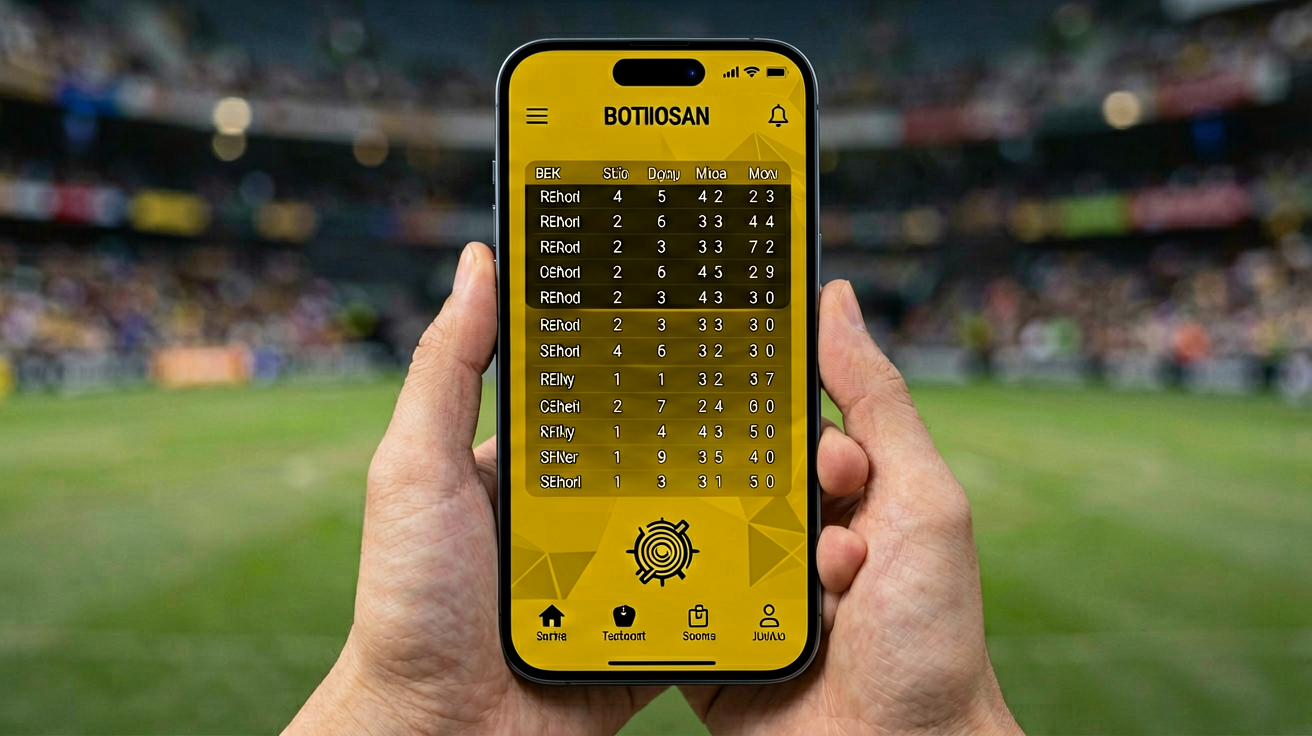
Can You Get Parimatch on iPhone in India
Yes. The Parimatch iOS app works on iPhone, iPad, and iPod Touch running iOS 13.0 or above. It is not on the App Store. Apple does not allow real-money betting apps in India. You install it via a configuration profile, the same method used by 1xbet, 10Cric, and Betway.
The app is 45 MB. It supports Face ID and Touch ID for one-tap login. Your balance and betting history sync with the Android app and the website in real time.
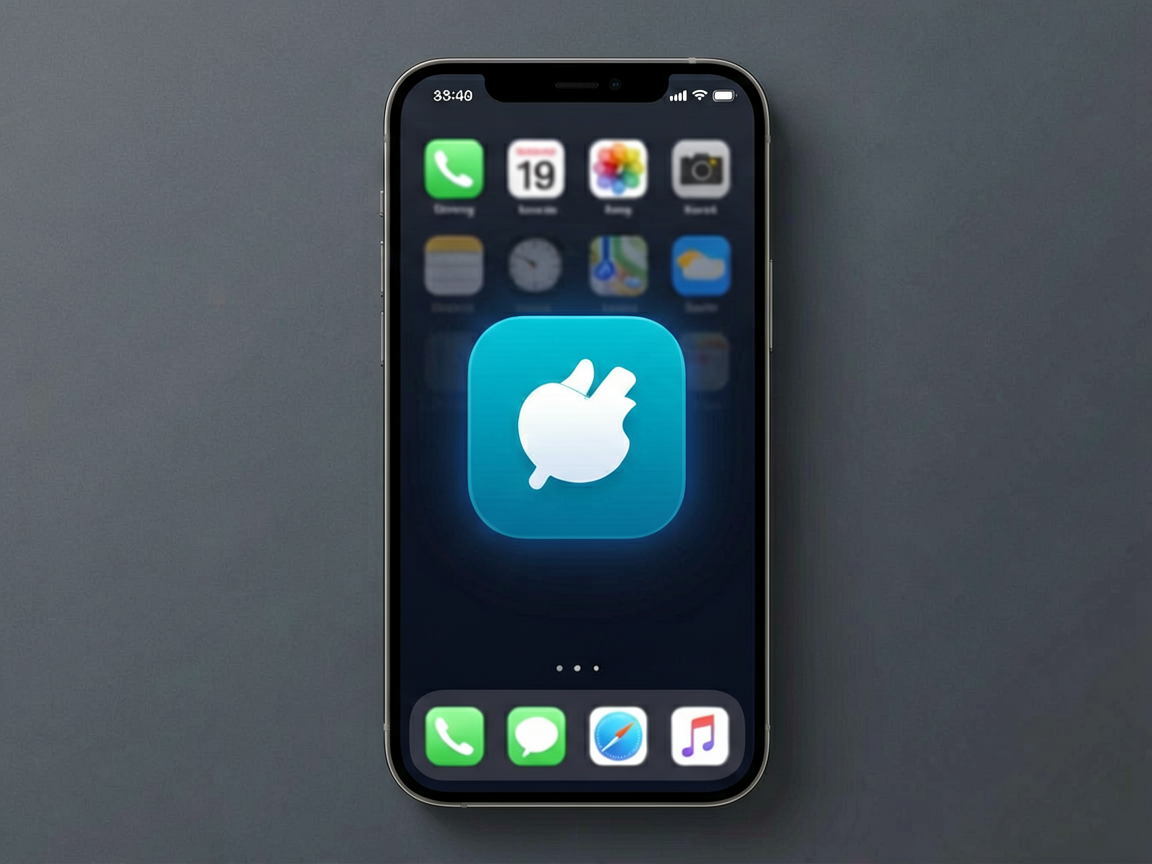
iOS System Requirements
| OS | iOS 13.0 or above |
| Device | iPhone 7+, iPad (2018+), iPod Touch (7th gen) |
| Storage | 100 MB free |
| File Size | 45 MB |
| Version | 2.1.0 |
| Biometric | Face ID / Touch ID |
Step by Step: Install Parimatch on iOS
- Download the profile. Tap the Download for iOS button on the app page. Your browser downloads a configuration profile.
- Allow the profile. Open Settings > General > VPN and Device Management. You see “Parimatch” under downloaded profiles. Tap Install. Enter your passcode.
- Trust the developer. Go to Settings > General > Profiles and Device Management. Tap “Parimatch”. Tap “Trust”.
- Open the app. The Parimatch icon appears on your home screen. Tap it. Sign up or log in.
- Enable Face ID. The app asks if you want Face ID. Tap Yes. One tap opens the app from now on.
Total time: 90 seconds.
How to Trust the App Developer Profile on iPhone
Apple requires you to manually trust any developer profile that is not from the App Store. This is a one-time step.
Go to Settings > General > VPN and Device Management (or Profiles and Device Management on older iOS). Scroll down to “Parimatch”. Tap it. Tap “Trust [Developer Name]”. A popup asks you to confirm. Tap Trust again. The app now runs on your iPhone.
Login with Face ID and Biometric Unlock
Once Face ID is enabled, opening the app takes one tap. The app opens, Face ID scans your face, and you are logged in. No password typing. No OTP. Fastest login of any betting app in India.
On iPhone models with Touch ID (iPhone 8 and below), the app uses your fingerprint instead. Same one-tap flow.
Depositing via UPI Inside the iOS App
Open the app. Tap Deposit. Choose UPI. Enter your UPI ID. The app opens your UPI app (Paytm, PhonePe, Google Pay, or BHIM). Approve the payment. Money lands instantly. Minimum ₹100. Zero fees.
Parimatch iOS App vs Android APK
| Feature | iOS App | Android APK |
| Size | 45 MB | 42 MB |
| Install method | Profile | APK file |
| Biometric login | Face ID | Fingerprint |
| UPI deposit | Yes | Yes |
| Performance | Slightly faster on iPhone 12+ | Fast on all Android 7+ |
| Update method | Automatic | In-app prompt |
Both apps have the same features. Same games, same odds, same bonuses. Pick the one for your phone.
Frequently Asked Questions
Is the Parimatch iOS app free?
Yes. Free to download and install. No hidden charges.
Will Apple revoke the profile?
Parimatch uses an enterprise developer certificate. These can occasionally be revoked. If this happens, Parimatch issues a new profile within 24 hours.
Same account on iPhone and Android?
Yes. Log in with the same phone number on both. Balance syncs in real time.
Ready to Start?
Join 20 lakh+ Indian players. Get 100% welcome bonus up to ₹100,000.
Ready to play?
Join 20 lakh+ Indian players. Teen Patti, Andar Bahar, slots, cricket betting. UPI deposits from ₹100. Withdraw in 30 minutes.
Sign Up Now